On this page
Looking for the best ChatGPT alternative with image generation in 2026? ChatGPT can already make pictures, so the real question is what else you want around it: more chat models, a choice of image models, video, or all three on one plan. This guide covers what to look for, then explains what Omny (formerly OmnyChat) offers for chat and images, how its image pricing works, and where it falls short.
Why look for a ChatGPT alternative with image generation
People who want chat and images in one place usually look past ChatGPT for one of three reasons:
- They want image models from more than one lab, not just one.
- They want to compare text models too, not only images.
- They'd rather pay for chat, images and video on one plan than keep several subscriptions.
Image models differ a lot. One handles words inside an image better, another does more convincing photos, another suits a certain style, and the leader changes with each release. Running the same prompt on more than one model is the useful part.
Chat tools and dedicated image tools
There are two kinds of products here. Chat apps like ChatGPT and Gemini also make images. Dedicated image tools like Midjourney, Ideogram and Leonardo focus on images alone. Midjourney is known for its artistic look. If image work is your whole job, a dedicated tool may suit you better. If you want images next to writing, research and code, a chat tool with several image models makes more sense.
What Omny offers for chat and images
Omny is one chat for 132 text models from 11 labs, including GPT, Claude, Gemini, Grok and DeepSeek. The same account also covers image and video models. You can:
- send one prompt to several text models and read the answers side by side: 2 on the free plan and Starter, 4 on Pro and 8 on Max and Ultra
- switch text models in the middle of a conversation
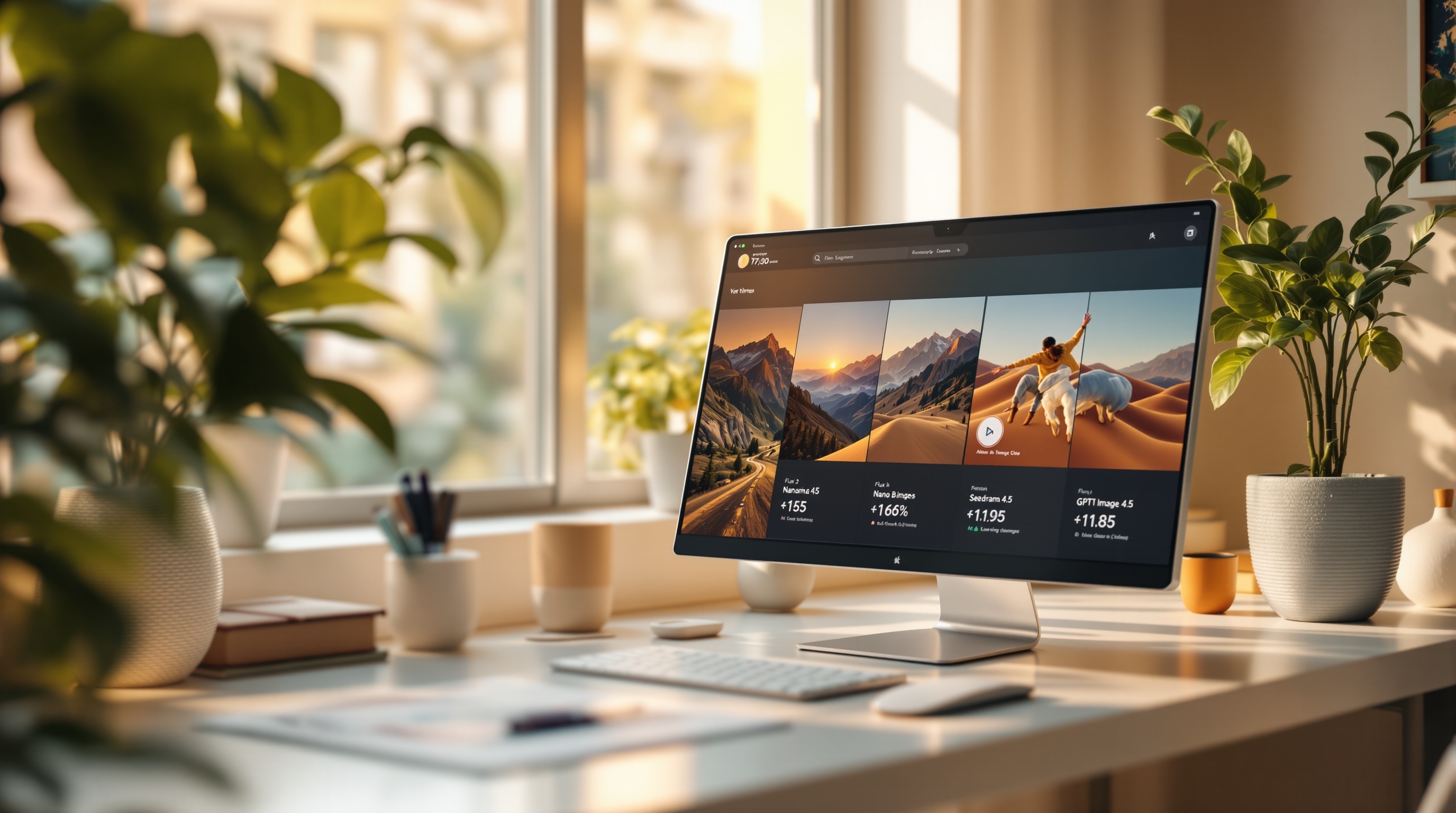
- make images with Flux 2 from Starter, and with more image models from Pro
- edit a photo on Max with GPT Image 2.5 Sunburst: upload it, say what should change and compare before and after
- make video from Pro, with Grok Imagine, Kling Standard and Seedance 2.0 Fast
Here's where it stops. There's no side-by-side image view: you pick one model per image. Omny gives you the models, not the ChatGPT app and its own features. Perplexity, Midjourney, DALL-E, Ideogram, Leonardo and Runway aren't in it. It's web only, and it's built for individuals, with no team seats or shared billing. For more on working across models, see how to use multiple AI models in one place.
Omny's image models, plan by plan
Each plan keeps the image models of the plans below it and adds more.
| Plan | Price | Image models added | About this many images a month |
|---|---|---|---|
| Starter | $10 a month | Flux 2 | 160 Flux 2 |
| Pro | $20 a month | Nano Banana, Seedream v4.5, GPT Image 1.5 | 410 Flux 2, 120 Nano Banana or 140 GPT Image 1.5 |
| Max | $60 a month | Nano Banana 2.1, GPT Image 2.5 Sunburst, Flux 2 Pro, GPT Image 2, Nano Banana 2 | 250 Nano Banana 2.1, 370 GPT Image 2.5 Sunburst or 660 Flux 2 Pro |
| Ultra | $200 a month | Nano Banana Pro | 400 Nano Banana Pro |
The counts come from the pricing page.
How image pricing works in Omny
Images use the same monthly credits as chat. There's no separate image plan and no bill per image. Each image spends credits based on the model, so some models go much further than others. On Pro, the credits cover about 410 Flux 2 images, against about 120 Nano Banana or 140 GPT Image 1.5 images.
Those counts are alternatives, not a combined total. Every answer, image and clip draws from the same allowance, so heavy chat leaves fewer credits for images, and the other way round. Usage isn't unlimited. The allowance resets each month, and if you run low, credit packs start at $10 and never expire. Yearly billing costs the same as 10 months.
One more honest note: Omny charges more than the labs' raw prices. What you pay for is having all these chat, image and video models in one place, on one plan.
What to test when comparing image models
Rather than trust a ranking, run the same prompt on two or three models and judge the results on what matters to you:
- Text in the image: are the words spelled right and placed where you asked?
- Realism: do products, hands, faces and lighting look right?
- Prompt following: did it include everything you asked for, and nothing extra?
- Style: does it match the look you're after?
- Cost: how far would your credits go if you made a hundred of these?
Keep the prompt identical between runs, so the model is the only thing that changes.
Use cases: product photos, marketing content and creative work
- Product photos: on Pro, try the same product prompt on Seedream v4.5, Nano Banana and GPT Image 1.5 and keep the one that looks most like a real photo. On Max, the photo editor lets you upload a shot you have, say what should change and compare before and after. More in our guide to the best AI image generator for product photos.
- Marketing content: draft the copy first, comparing two or more text models side by side, then make the visual. If the image needs words in it, check every one, since image models don't always spell them right.
- Creative work: use Flux 2 for rough ideas, since Pro's credits stretch to far more Flux 2 images than Nano Banana or GPT Image 1.5 images. Rerun the strongest idea on another model, and move to video on Pro when a still isn't enough.
How to make and compare images in Omny
- Open AI image generation in Omny.
- Pick one image model. Starter has Flux 2, and Pro and above have more.
- Write your prompt, or ask a text model in chat to help you write it.
- Generate the image.
- To compare, run the same prompt on another model and look at the results together.
Comparing images takes one run per model. For text, side by side is built in: every model's answer streams into its own column at the same time.
Conclusion: is Omny the right ChatGPT alternative for images?
It is if you want chat models from several labs, a choice of image models and video on one subscription, and you're happy to run image models one at a time. It isn't if you want a dedicated image tool like Midjourney, a team plan or unlimited images. Either way, test a few image models on your own prompts before you settle.
Frequently Asked Questions
What are the best ChatGPT alternatives that also offer AI image generation?
How does image pricing work in Omny?
Can I generate images from several models side by side in Omny?
Which image model in Omny is best for product photos?
Is Omny suitable for teams?
- best chatgpt alternative with image generation
- chatgpt alternatives with image upload
- multi model ai workspace with image generation
- flux 2 vs nano banana image generation
- gpt image 1.5 vs dall-e 3 pricing
- cheapest ai image generator 2026
Keep reading
- Which Tools Compare Image Models Side by Side for Product Photos?Discover which tools compare image models side by side for product photos, how to test prompts across generators, and how to evaluate output fidelity.
- Model Variety vs Repeatable Controls: How to Test AI Product PhotosLearn whether to prioritize model variety or repeatable controls for product photos, how to establish a baseline test, and when to expand your image models.
- Alternatives to Poe for Comparing AI Models in 2026Explore alternatives to Poe for comparing AI models. Learn when to use side-by-side prompts, benchmark indices, or preference evaluation.
- Multi-Model Workspace or Separate Chatbot Subscriptions: A Decision WorksheetShould I use a multi-model workspace or separate chatbot subscriptions? A worksheet to compare your actual spend, usage and native-feature needs before…