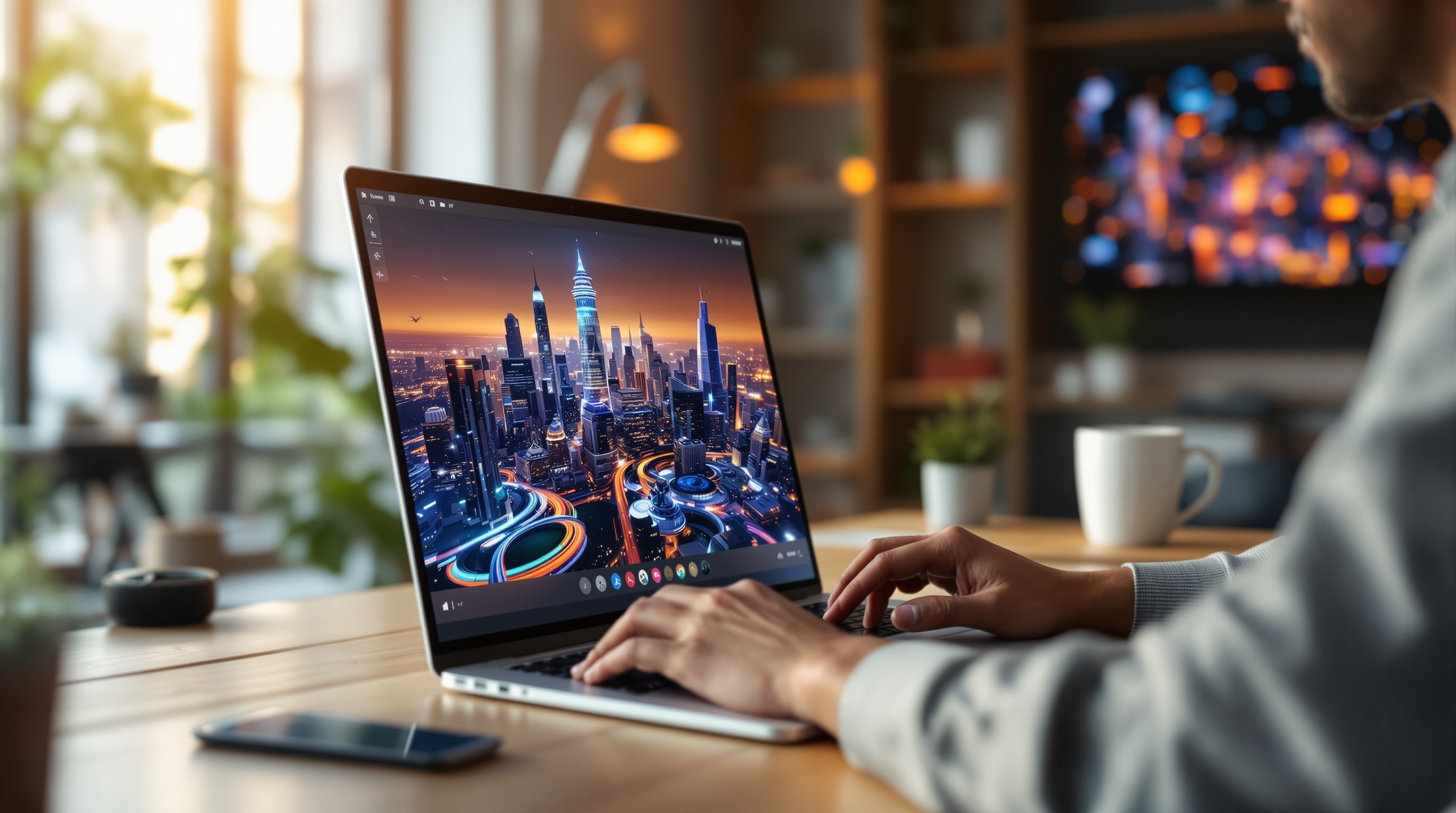
AI image generation is transforming how we create visuals for content, marketing, and design. OmnyChat stands out by offering a unified workspace where you can access and compare multiple AI models—all under one subscription. Whether you’re a professional designer or a curious beginner, this guide will walk you through every step of generating stunning images, from account setup to prompt mastery.
Introduction to AI Image Generation and OmnyChat's Multi-Model Workspace
AI image generation uses powerful algorithms to turn text prompts into unique visuals. How to use OmnyChat for AI image generation is simple and efficient, thanks to its multi-model workspace. Instead of juggling separate subscriptions for each model, OmnyChat brings them together, making it easy to experiment and compare results in one place.
Setting Up Your OmnyChat Account for Image Generation
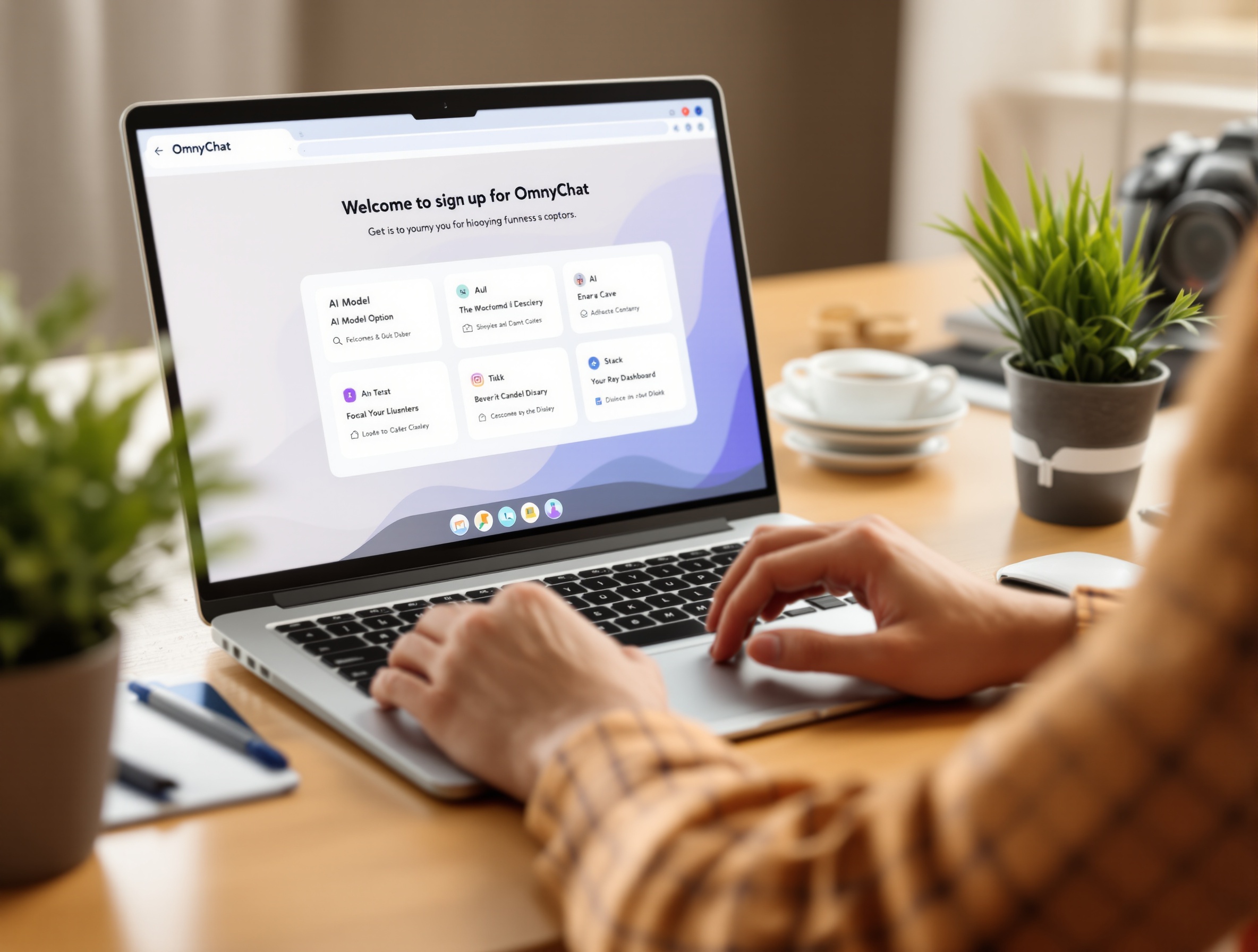
Getting started is straightforward. Visit OmnyChat’s website, sign up for an account, and choose a subscription plan that fits your needs. Once inside, navigate to the AI image generation section, where you’ll see options to select from different AI models. The workspace is designed for ease of use, with clear menus and helpful tooltips for beginners.
Overview of OmnyChat's AI Image Generation Models and Their Unique Strengths
OmnyChat’s workspace connects you to several leading AI image generation models, each with its own strengths. Some excel at photorealism, while others are better for illustrations or abstract art. You can switch between models with a click, making it simple to find the right fit for your project and budget.
| Model | Strengths | Speed (sec) | Cost Per Image (USD) | Best For |
|---|---|---|---|---|
| Model A | Photorealistic images, high detail | 10 | 0.10 | Realistic photos, marketing |
| Model B | Illustrations, vibrant colors | 8 | 0.08 | Art, comics, concept sketches |
| Model C | Abstract, experimental styles | 12 | 0.07 | Modern art, backgrounds |
Step-by-Step Guide to Generating Images: Crafting Effective Prompts
- Log in to your OmnyChat account and open the AI image generation workspace.
- Choose your preferred AI model based on your project goals.
- Enter a detailed prompt describing your desired image. Specify style, subject, and mood for best results.
- Click 'Generate' and review the output. Adjust your prompt if needed for improvements.
- Download or export your favorite images for use in your projects.
Prompt engineering is essential for high-quality results. For more tips, check out AI prompt engineering tips to refine your approach and unlock creative possibilities.
Examples of Prompts for Different Image Styles and Use Cases
- Photorealistic: 'A close-up portrait of a golden retriever puppy in natural sunlight, shallow depth of field.'
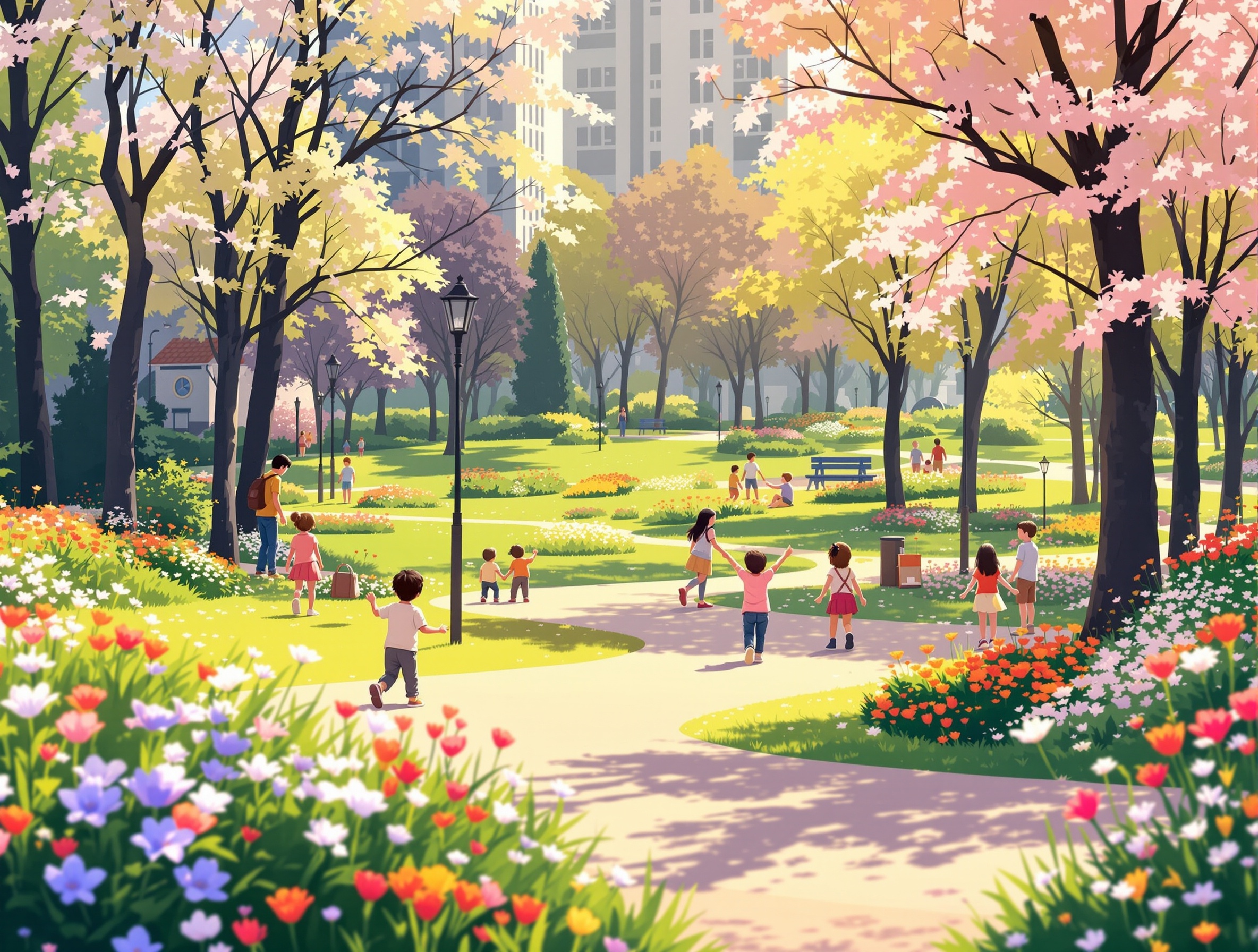
- Illustration: 'A whimsical illustration of a city park in spring, with colorful flowers and playful children.'
- Abstract: 'Vivid abstract shapes and lines in the style of Kandinsky, with bold primary colors.'
- Anime: 'An anime-style character standing on a bridge at sunset, vibrant orange sky.'
Tips and Best Practices for Optimizing Your Images and Controlling Costs
How to Compare Results Across Multiple AI Models Within OmnyChat
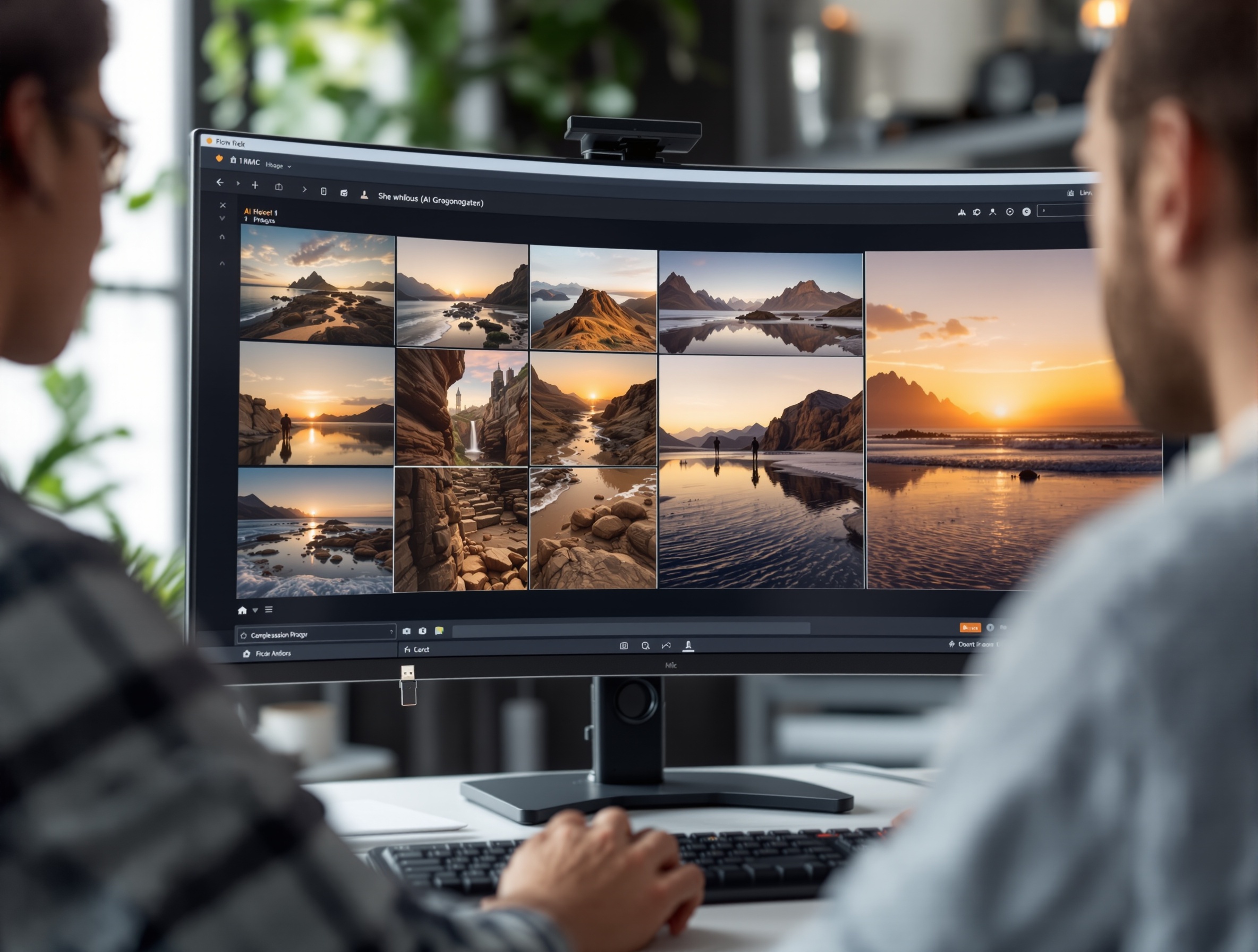
One of OmnyChat’s standout features is the ability to generate the same prompt across different models and compare the results side-by-side. This helps you decide which model best matches your vision and budget. Simply enter your prompt, select multiple models, and view the outputs in a split-screen workspace.
Saving, Exporting, and Using Generated Images
Once you’ve found the perfect image, OmnyChat makes it easy to save or export your creation. Download images in high resolution for use in presentations, websites, or social media. Organize your generated visuals in project folders for easy access and collaboration.
Conclusion: Empowering Your Creative Projects with OmnyChat AI Image Generation
OmnyChat’s all-in-one AI workspace democratizes image generation, making it accessible, affordable, and powerful for everyone. With intuitive tools, multi-model access, and expert resources, your next creative project is just a prompt away.
Frequently Asked Questions
How do I start generating images with OmnyChat?
Sign up for an OmnyChat account, select the AI image generation tool, and enter your prompt to generate images instantly.
What are the best prompts for AI image generation?
Effective prompts are clear, descriptive, and specify style, subject, and mood. For example: 'A serene lake at sunrise in watercolor style.'
Can I compare different AI image models on OmnyChat?
Yes, OmnyChat’s workspace lets you generate images using multiple AI models side-by-side, making it easy to compare results and choose the best one.
How do I control costs when generating AI images?
Monitor your usage, choose cost-effective models, and refine prompts to avoid unnecessary generations. OmnyChat’s unified subscription helps save compared to paying for each model separately.
What image styles can OmnyChat's AI models create?
OmnyChat supports a wide range of styles, including photorealistic, illustration, anime, abstract, and more—depending on the chosen AI model.
Is OmnyChat suitable for beginners in AI image creation?
Absolutely. OmnyChat’s intuitive interface and prompt examples make it easy for beginners to start generating high-quality images.
Ready to Create Stunning AI Images?
Start your journey with OmnyChat’s powerful AI image generation workspace. Experiment with different models, refine your prompts, and bring your creative visions to life—all in one place.