
Overview
Text rendering and photorealistic image generation.
GPT Image 2 is available in Omny. Text-to-image generation. Estimated generation time: 25 seconds. PNG output.
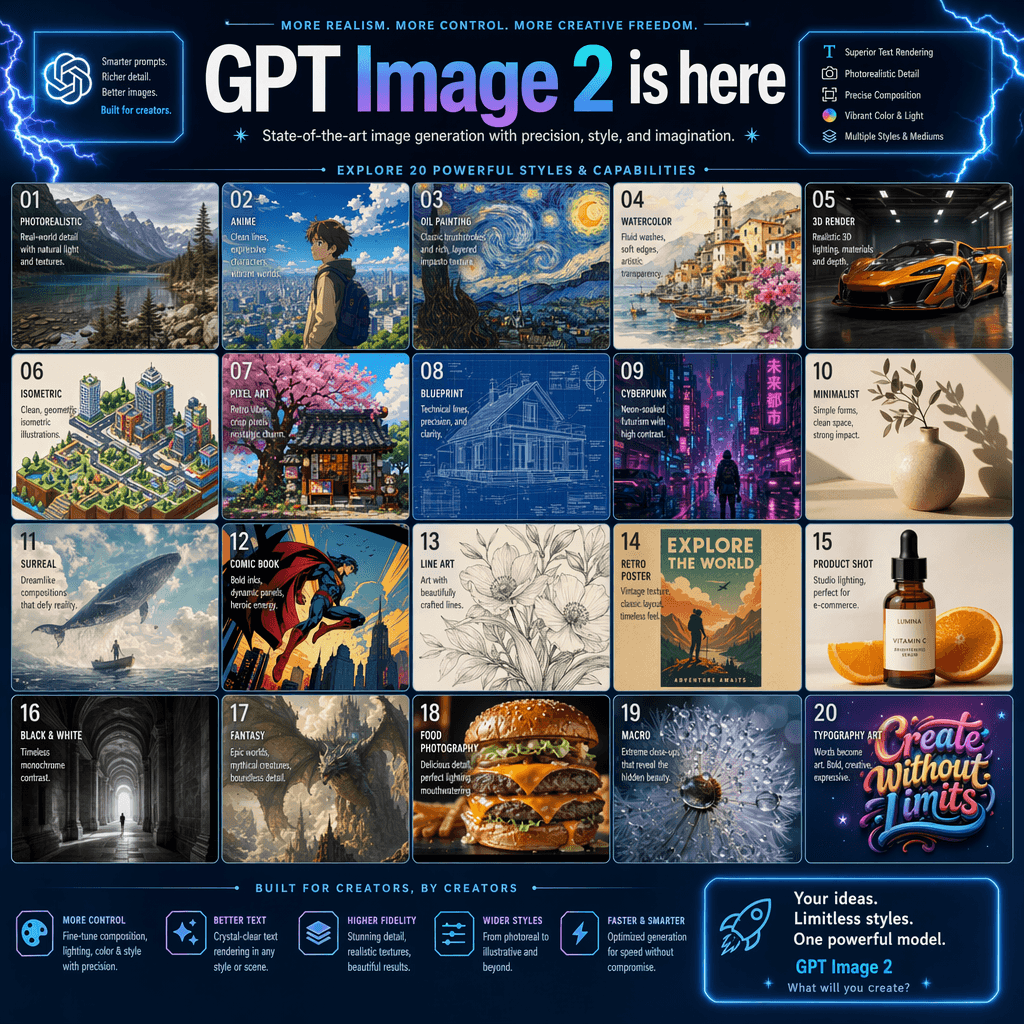
What it can do
- Text-to-image generation
- Estimated generation time: 25 seconds
- PNG output
Pricing: Available on Max plans and above. Uses image generation credits.
Using it in Omny
Use GPT Image 2 in Omny and compare its results with other image models on the same task.
Best for: Creating and refining images.
Questions
How do I use GPT Image 2?
Open Create in Omny and select GPT Image 2. Available on Max plans and above. Uses image generation credits.
What does GPT Image 2 support in Omny?
Text-to-image generation. Estimated generation time: 25 seconds. PNG output.