
Overview
Detailed creative work with precise prompt following. Allow extra generation time.
GPT Image 2.5 Sunburst is available in Omny. Text-to-image generation. Estimated generation time: 60 seconds. PNG output.
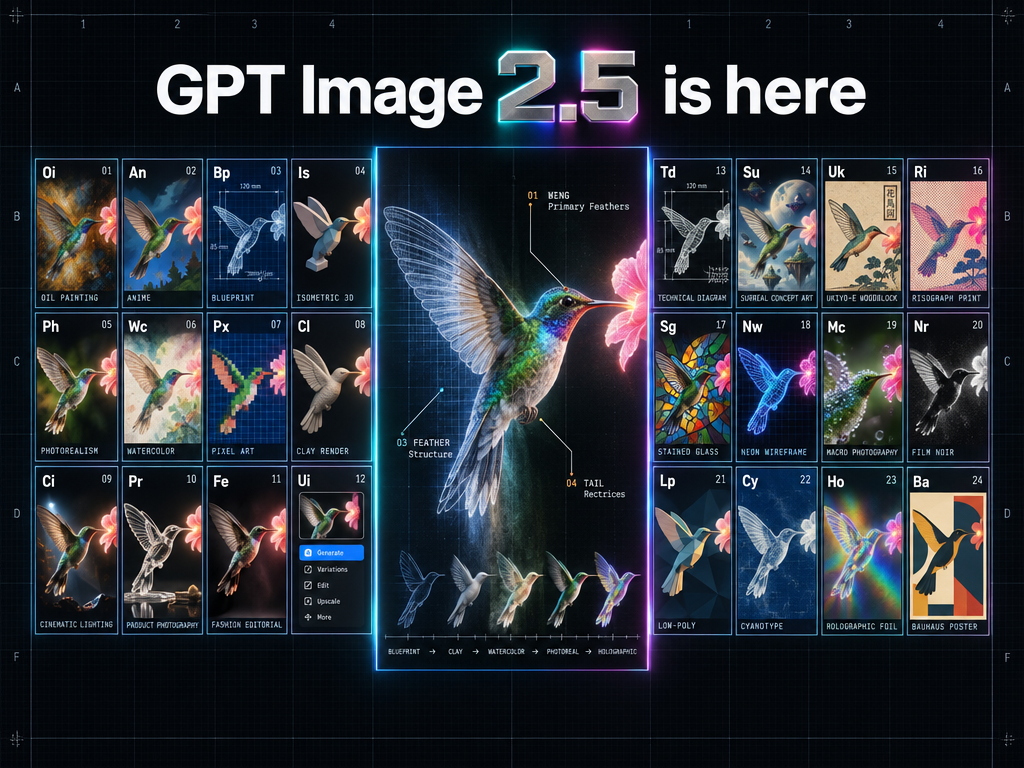
What it can do
- Text-to-image generation
- Estimated generation time: 60 seconds
- PNG output
Pricing: Available on Max plans and above. Uses image generation credits.
Using it in Omny
Use GPT Image 2.5 Sunburst in Omny and compare its results with other image models on the same task.
Best for: Creating and refining images.
Compare it


Questions
How do I use GPT Image 2.5 Sunburst?
Open Create in Omny and select GPT Image 2.5 Sunburst. Available on Max plans and above. Uses image generation credits.
What does GPT Image 2.5 Sunburst support in Omny?
Text-to-image generation. Estimated generation time: 60 seconds. PNG output.