
Prompt engineering is the practice of carefully structuring inputs to AI models to get more accurate, relevant, and cost-efficient outputs. In 2026, this skill is essential because different models—like GPT-4o, Claude, and Gemini—respond differently to the same prompt. Optimizing prompts per model can reduce token usage by up to 40% and improve output quality by adapting tone, structure, and constraints to each model's training strengths.
Why Prompt Engineering Still Matters in 2026
Some professionals assume that as AI models become more advanced, prompt engineering becomes less important. The opposite is true. In 2026, models are more capable but also more sensitive to phrasing, context, and formatting. A poorly written prompt can still produce generic, off-target, or verbose outputs. Good prompt engineering directly impacts three things: cost, quality, and productivity.
Cost savings: Many AI platforms charge per token. By crafting concise, targeted prompts, you can reduce token consumption by 30–40%. For example, instead of writing a long preamble, use a system message to set the role and then a short, specific instruction. This is especially important when using multiple models through a service like ChatGPT alternatives for business where each query costs money.
Quality improvements: A well-engineered prompt can turn a generic answer into a tailored, actionable response. For instance, asking for a "summary" yields a different result than asking for a "bullet-point summary with key statistics and a recommendation." The latter gives you a ready-to-use deliverable.
Productivity gains: When you standardize prompt templates for common tasks (writing, analysis, coding), you reduce iteration time. Instead of tweaking prompts manually for each model, you can use a multi-model AI workflow guide to run the same prompt across GPT, Claude, and Gemini and pick the best output.
Model-by-Model Prompt Differences: GPT-4o, Claude 3.5/4, Gemini 2.0 Flash
Each major model has a distinct training architecture and fine-tuning approach, which means they respond best to different prompt styles. Understanding these differences is the first step to optimizing your prompts. Below is a quick overview, followed by a comparison table.
GPT-4o: Direct and Structured
GPT-4o excels at following explicit instructions. It works well with bullet points, numbered lists, and clear output format specifications. It also handles role prompting effectively (e.g., "You are an expert copywriter"). Avoid overly conversational prompts; GPT-4o performs best when you tell it exactly what to do.
Claude 3.5/4: Conversational and Reasoning-Focused
Claude models are trained with a strong emphasis on safety and helpfulness. They respond well to chain-of-thought prompts that break down reasoning step by step. Using XML tags (e.g., ``, ``) can improve structure. Claude also benefits from prompts that explicitly ask for careful consideration or multiple perspectives.
Gemini 2.0 Flash: Concise and Multimodal
Gemini 2.0 Flash is optimized for speed and factual accuracy. It prefers short, direct prompts without excessive context. It also handles multimodal inputs (text + images) naturally. For best results, avoid over-specifying and let Gemini use its broad knowledge base. Use grounding prompts when you need factual citations.
| Task | GPT-4o | Claude 3.5/4 | Gemini 2.0 Flash |
|---|---|---|---|
| Writing (blog, email) | Direct instruction with tone and length constraints. Use role prompt. | Conversational brief with reasoning chain. Use XML tags for context. | Short, factual instruction. Avoid over-specifying style. |
| Analysis (data, document) | List specific metrics or questions. Request structured output (table). | Step-by-step reasoning. Ask for multiple perspectives. | Concise query with grounding request. Use bullet points. |
| Coding | Specify language, framework, and output format. Use comments in code. | Chain-of-thought for logic. Request explanation of code. | Short, direct request. Include example input/output. |
| Image generation | Describe subject, style, composition, and mood. Use negative prompts. | Focus on safety and artistic intent. Describe the scene narratively. | Concise visual description. Specify medium and color palette. |
For a deeper dive into how these models compare across dozens of criteria, see our AI model comparison template.
5 Universal Prompt Engineering Techniques That Work Across Models
These five techniques are model-agnostic. They improve output quality regardless of whether you're using GPT, Claude, or Gemini. Apply them as a baseline before adding model-specific tweaks.
- Be specific and provide context. Instead of "Summarize this article," say "Summarize this 500-word article in 3 bullet points, focusing on key statistics and the main argument."
- Use role prompting. Start with "You are an expert [role]" to set the model's persona. For example, "You are a senior data analyst."
- Break complex tasks into steps. Use chain-of-thought: "First, list the pros. Then, list the cons. Finally, give a recommendation."
- Set output format constraints. Specify length, structure, and tone. For example, "Write a 200-word email in a professional tone, with a subject line and two paragraphs."
- Iterate and test. Run the same prompt across multiple models and compare outputs. Use a multi-model workspace to do this efficiently.
For image generation prompts, these same principles apply but with visual details. Check out our guide on viral AI image prompts for beginners for a workflow tailored to image creation.
Model-Specific Optimization Tips with Before/After Examples
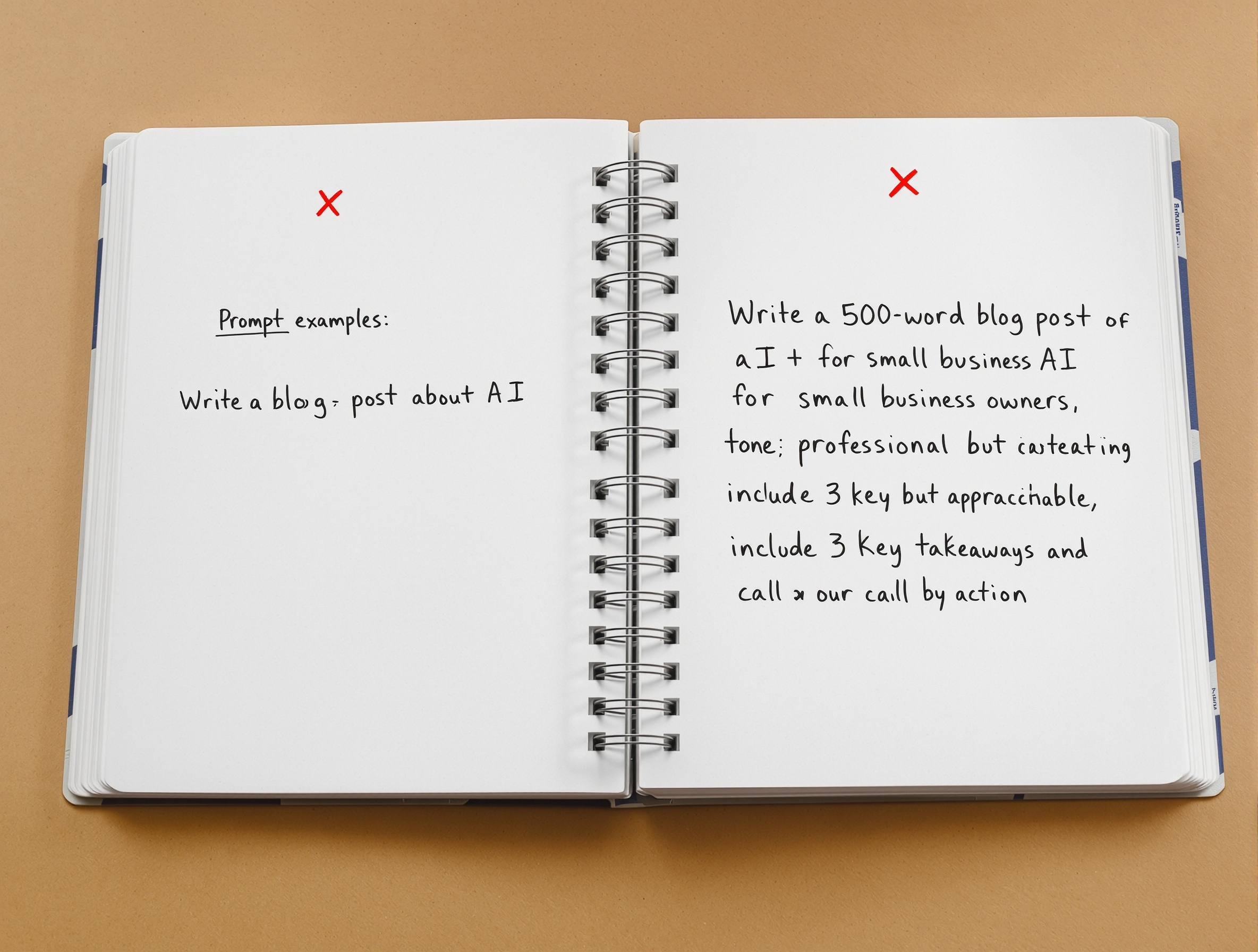
GPT-4o Optimization Tips
GPT-4o responds best to clear, structured instructions. Use numbered steps and specify the exact output format. For example:
- Before: "Write a product description for a new coffee maker."
- After: "Write a 150-word product description for a premium drip coffee maker. Target audience: home baristas. Tone: sophisticated but accessible. Include: key features (thermal carafe, programmable timer), a benefit statement, and a call to action. Use bullet points for features."
Claude 3.5/4 Optimization Tips
Claude benefits from chain-of-thought reasoning and explicit safety framing. Use XML tags to separate context from instruction. Example:
- Before: "Analyze the pros and cons of remote work."
- After: "Analyze the pros and cons of remote work for a mid-sized tech company.The company has 200 employees, mostly engineers and designers. They are considering a permanent remote policy.First, list 3 pros with evidence. Then, list 3 cons with evidence. Finally, give a balanced recommendation."
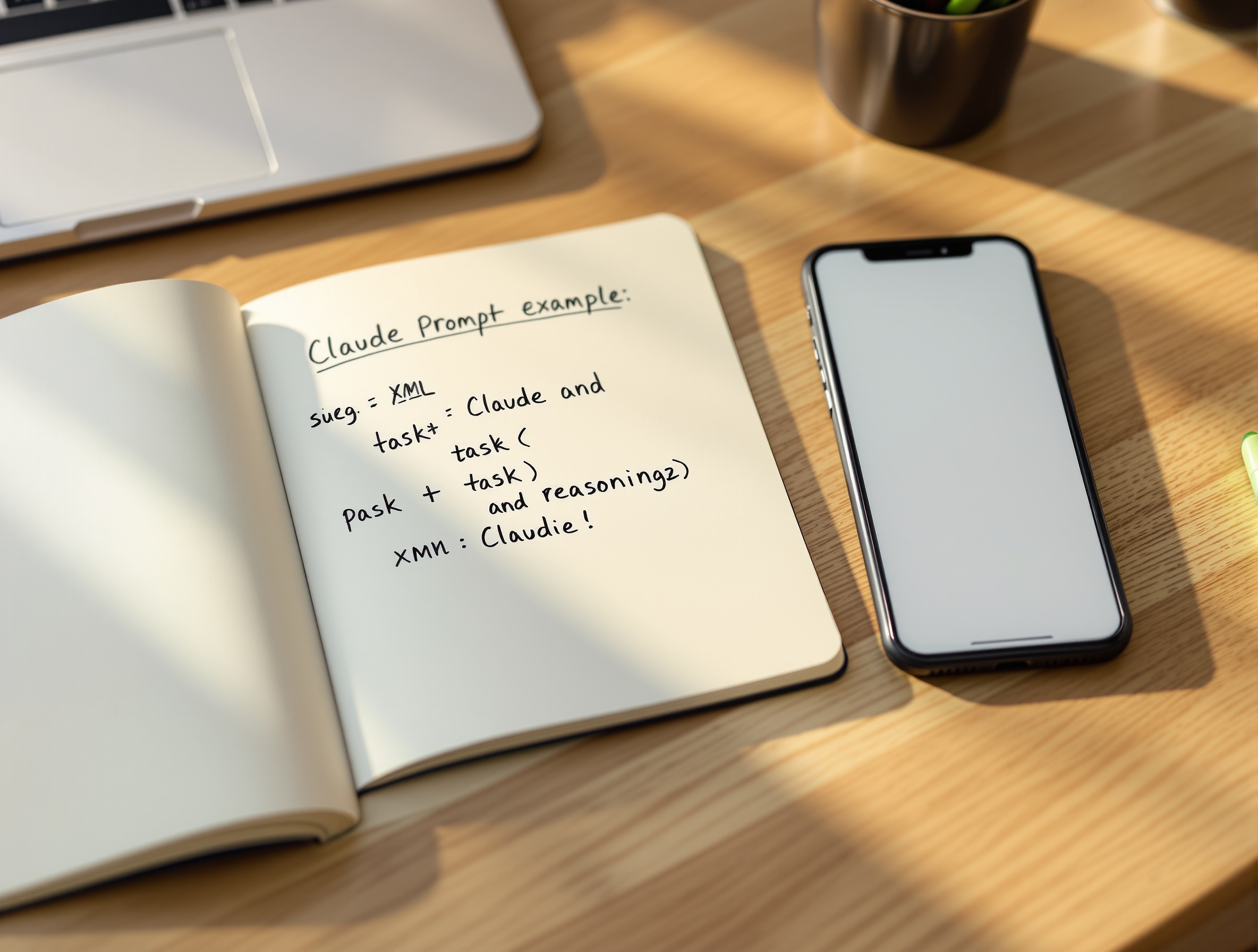
Gemini 2.0 Flash Optimization Tips
Gemini works best with concise, factual prompts. Avoid over-explaining. Use grounding when you need citations. Example:
- Before: "Tell me about the history of the internet."
- After: "Give a timeline of 5 key events in internet history from 1969 to 2000. Include the year, event, and significance. Keep each entry to 2 sentences."
How to Iterate and A/B Test Prompts Across Models Using OmnyChat
One of the biggest advantages of using a multi-model workspace like OmnyChat is the ability to run the same prompt against GPT, Claude, and Gemini simultaneously. This lets you compare outputs side by side and choose the best one—or combine insights from each. Here's a simple workflow:
- Write your prompt using the universal techniques above.
- Paste it into OmnyChat and select GPT-4o, Claude 3.5, and Gemini 2.0 Flash.
- Run all three simultaneously.
- Compare outputs on quality, tone, and adherence to constraints.
- Identify which model performed best and refine the prompt further for that model.
- Repeat until you have a prompt that consistently delivers excellent results.
This process is documented in detail in our multi-model AI workflow guide. It saves hours of manual switching and helps you build a library of optimized prompts for different tasks.
Common Prompt Engineering Mistakes and How to Fix Them Per Model
| Mistake | GPT-4o Fix | Claude Fix | Gemini Fix |
|---|---|---|---|
| Vague instructions | Add specific constraints (length, tone, format). | Use XML tags to separate context and task. | Keep it short but include key parameters. |
| Overloading context | Use system message for role, then short instruction. | Put context in tag, keep instruction separate. | Avoid long preambles; state the task directly. |
| Ignoring output format | Specify format explicitly (e.g., 'as JSON'). | Request structured output with examples. | Ask for bullet points or a table if needed. |
| No iteration | A/B test with different phrasings. | Try chain-of-thought vs. direct instruction. | Test with and without grounding. |
Frequently Asked Questions
Quick Prompt Optimization Workflow (15-Minute Checklist)
Start Optimizing Prompts Across Models Today
Try OmnyChat's multi-model workspace to A/B test prompts for GPT, Claude, and Gemini in one view. Save time and subscription costs.